


Waiting for a file to download at a crawl, then watching it die at 99 percent because your Wi-Fi hiccupped, is one of the most avoidable frustrations on a computer. A good download manager fixes that. It splits files into pieces, pulls them down in parallel, and picks up right where things are left off if your connection drops.
Whether you are grabbing a huge game installer, archiving files from a hosting site, or just tired of your browser choking on large downloads, the right tool makes a real difference. Some options are free and open source, others are paid with lifetime licenses, and each one is built for a slightly different kind of user. Now let us look into the top 5 download managers you can rely on today.
Internet Download Manager
Internet Download Manager, known simply as IDM, has been the go-to paid download accelerator for Windows users for years. It focuses on one job: making downloads faster and more dependable. IDM is ideal for people who download large files often, such as software installers, media, or work documents, and who want a tool that just works without fuss.
Key Features
-
Splits files into segments and downloads them at the same time to speed things up
-
Works with all major browsers through direct integration
-
Resumes interrupted or broken downloads without starting over
-
Built-in scheduler and queue processor to manage download order and timing
-
Automatically sorts downloads into folders based on file type
-
Detects and captures videos playing in the browser for one-click saving
-
Scans finished downloads for malware before you open them
-
Dark theme available for the interface
Pros and Cons
Pros
-
Genuinely faster than browser-native downloads on most connections
-
Very stable resume function, even after long interruptions
-
Simple, no-nonsense interface that does not need a learning curve
-
One-time purchase instead of a recurring subscription
Cons
-
Windows only, so Mac and Linux users are out of luck
-
No built-in torrent support
-
Paid tools, and prices rarely drop through official channels
-
Frequent unofficial resellers online can be a scam risk
Pricing
IDM is sold as a one-time purchase rather than a subscription. A single-user license runs around $24.95, and a three-PC license costs about $59.85. Both include lifetime updates and a year of support. A free trial is available before you need to buy a serial number. There are no monthly fees or account lockouts, which makes the pricing straightforward once you decide to buy.
How the Fileion Team Analyzed and Picked This Tool
Our team evaluated IDM on download speed gains over standard browser downloads, resume reliability, browser compatibility, and whether the one-time price holds up against subscription-based rivals. It held up well across all four.
Free Download Manager
Free Download Manager, or FDM, is exactly what it sounds like: a capable download accelerator that costs nothing. It is built for anyone who wants IDM-style speed and control without paying, and it happens to work on more operating systems, too.
Key Features
-
Splits files into up to 10 segments to speed up transfers
-
Full BitTorrent client built in, so you do not need a separate torrent app
-
Works on Windows, macOS, Linux, and Android
-
Automatically resumes downloads after a dropped connection
-
Add-ons for grabbing videos from supported websites
-
Portable version available if you do not want to install anything
-
Integrates with Chrome, Firefox, Edge, and other browsers
Pros and Cons
Pros
-
Completely free with no feature gating
-
Cross-platform, including a working Android app
-
Handles torrents and regular downloads in one place
-
No ads or bundled junk during installation
Cons
-
Interface feels basic next to some premium tools
-
Can be resource-intensive on older machines
-
Occasional minor bugs after updates
-
Built-in browser component is limited compared to a full browser
Pricing
FDM is 100 percent free for personal and commercial use. There is no premium tier, no trial period, and no feature locked behind a paywall.
How the Fileion Team Analyzed and Picked This Tool
We tested FDM for cross-platform consistency, torrent handling, and how well it holds up against paid alternatives at raw download speed. Its combination of being free, clean, and genuinely fast earned it a spot on this list.
JDownloader 2
JDownloader 2 is an open-source download manager built for a very specific job: handling links from file hosting sites like Mega and MediaFire. It is not a tool for casual users who just want to grab an installer. It is for people who deal with large batches of links regularly.
Key Features
-
LinkGrabber automatically detects, sorts, and queues links copied to your clipboard
-
Supports hundreds of file hosting services natively
-
Can decrypt container files and solve some basic CAPTCHAs automatically
-
Cross-platform on Windows, macOS, and Linux
-
Handles large batch queues without manual sorting
-
Fully free and open source with an active GitHub and Discord community
Pros and Cons
Pros
-
Excellent at handling complex, multi-link downloads from hosting sites
-
Completely free with no hidden premium tier
-
Strong community support and frequent plugin updates
-
Automates tasks that would otherwise take hours of manual clicking
Cons
-
Requires a working Java Runtime Environment to run
-
Interface feels dated and can be confusing for first-time users
-
Heavier on system resources than lighter alternatives
-
Not built with modern streaming platforms in mind
Pricing
JDownloader 2 is entirely free and open source. There is no paid tier or subscription of any kind.
How the Fileion Team Analyzed and Picked This Tool
We looked at how well JDownloader manages bulk link queues, its support for file hosting services, and how much setup it demands. It stands out specifically for hosting-site downloads, which earns it a place here even with a Java dependency.
Motrix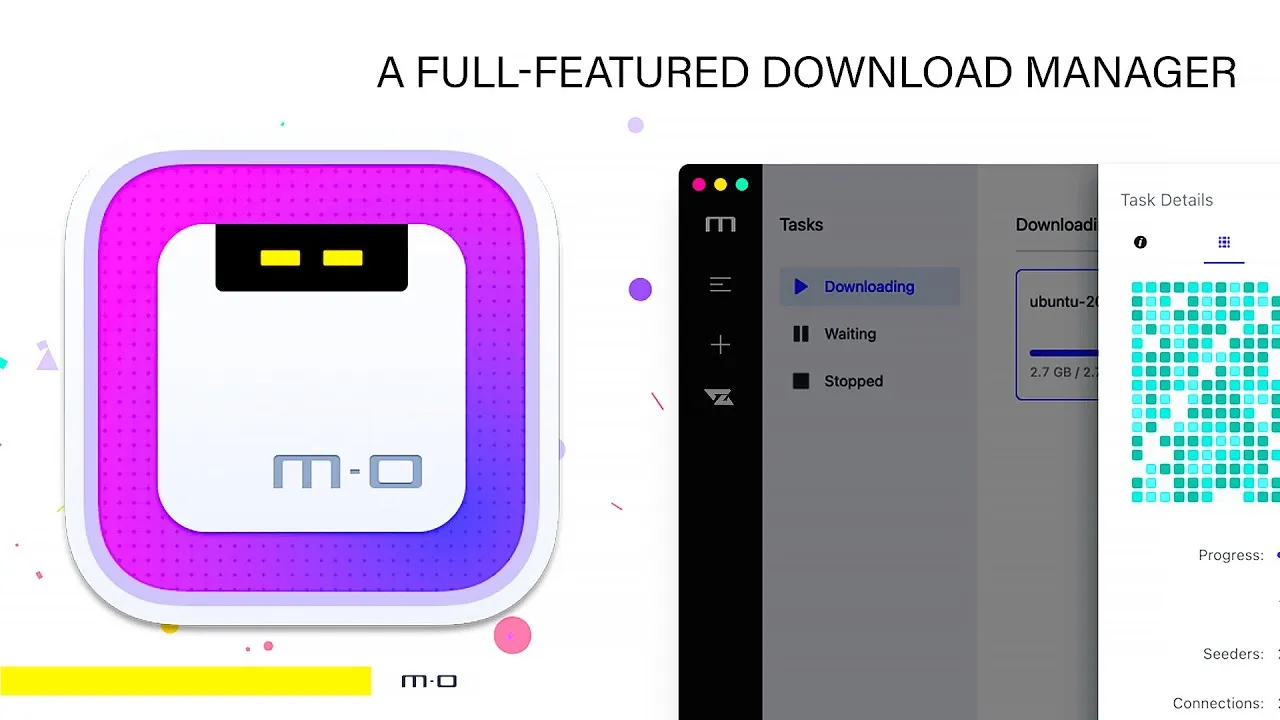
Motrix is a free, open-source download manager built around the aria2 download engine. It keeps things simple: a clean interface, wide protocol support, and no cost. It suits users who want a lightweight tool without ads or upsells.
Key Features
-
Supports HTTP, HTTPS, FTP, and BitTorrent/Magnet links via aria2, but torrent peer or seed details are limited.
-
Multi-threaded downloading for faster transfer speeds
-
Runs on Windows, macOS, and Linux
-
Lets you set global or per-task speed limits
-
Can handle up to 10 simultaneous downloads
-
Clean, minimal interface with drag-and-drop support
Pros and Cons
Pros
-
Completely free and open source
-
Lightweight and easy on system resources
-
Handles torrents and regular downloads equally well
-
Clean interface that is easy to pick up quickly
Cons
-
Motrix’s original repository, like agalwood & motrix, has been inactive since 2023, but community forks like ‘motrix-next’ are actively maintained as of 2026.
-
Torrent details like peer and seed counts are limited
-
Fewer advanced features compared to JDownloader or IDM
-
No built-in video detection from browsers
Pricing
Motrix is free and open source with no paid version. There are no ads or in-app purchases.
How the Fileion Team Analyzed and Picked This Tool
Our evaluation focused on protocol support, resource usage, and interface simplicity. Motrix earned its place here for being a lightweight, no-cost option, though we note its slower pace of updates compared to actively maintained tools.
Ninja Download Manager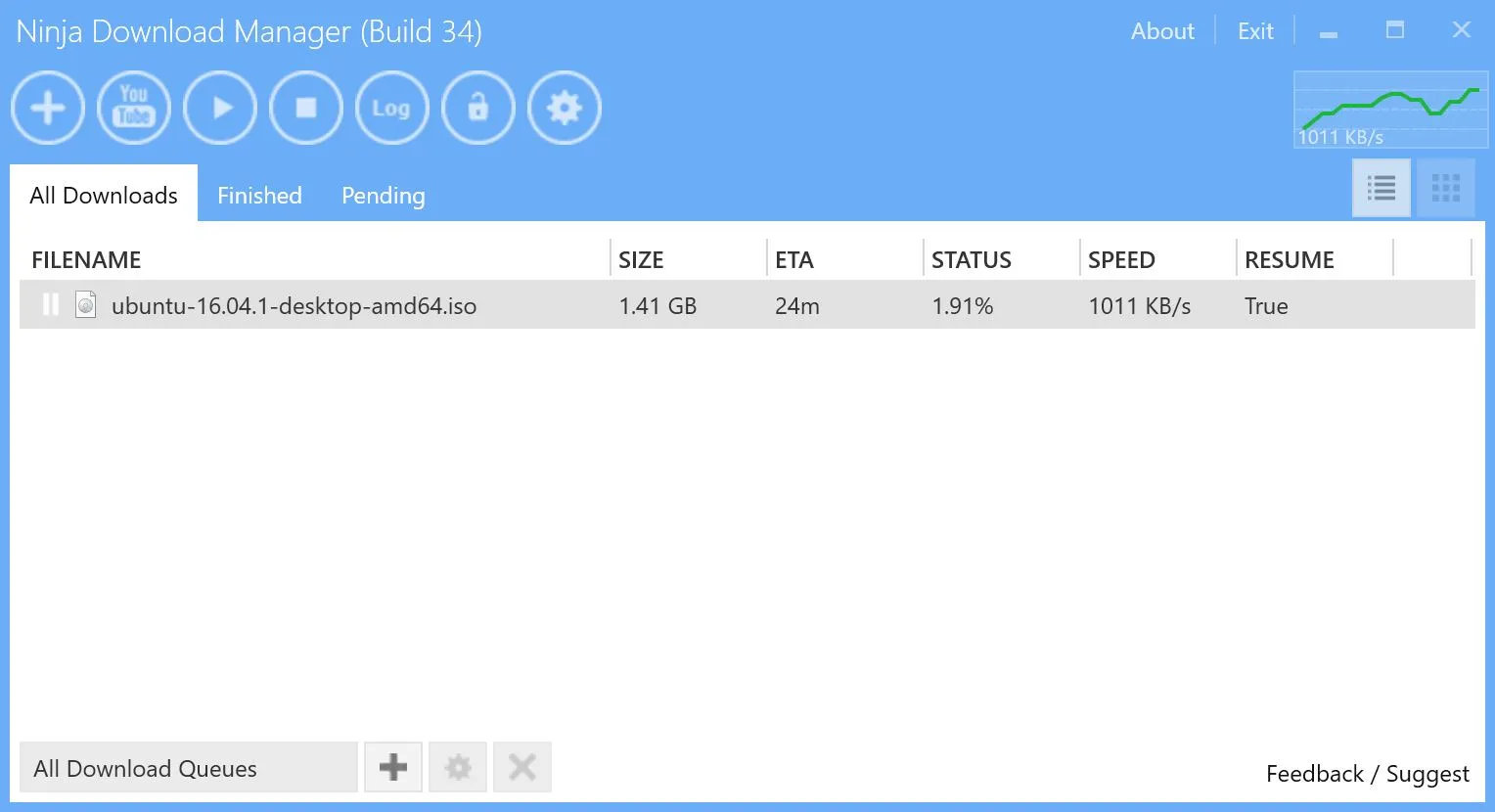
Ninja Download Manager, sometimes called NDM, is a lightweight freeware download accelerator built for people who want the basics done well: faster downloads, scheduling, and resume support, without a steep learning curve.
Key Features
-
Multi-threaded downloading that splits files for faster transfers
-
Scheduling for downloads to start or stop at set times
-
Automatic resume after a dropped connection
-
Browser integration with major browsers
-
Clipboard monitoring that detects download links automatically
-
Built-in password manager for saved logins
-
File shredding tool to securely delete unwanted downloads
Pros and Cons
Pros
-
Free to use on as many computers as you like
-
Straightforward, uncluttered interface
-
Solid resume and scheduling functionality
-
Includes a few extras like password management and file shredding
Cons
-
Development has slowed compared to more actively maintained tools
-
No integration with cloud storage or media converters
-
Lacks the deep feature set of tools like IDM or JDownloader
-
Smaller community means fewer resources if something goes wrong
Pricing
Ninja Download Manager offers both a free edition and a paid Pro version; the Pro version requires a license ($19–$49 USD) for one year of updates and support. The Pro uses a one-time payment model depending on the number of devices you need to cover: 1 Computer: $19.00 USD, 3 Computers: $29.00 USD, 6 Computers: $49.00 USD.
How the Fileion Team Analyzed and Picked This Tool
We assessed Ninja Download Manager on ease of use, resume reliability, and whether it offers enough value for casual users. It is a solid pick for people who want simplicity over a long feature list.
Comparison Table
|
Software |
Best For |
Platform |
Price |
Fileion Rating |
|
Internet Download Manager |
Fastest overall downloads on Windows |
Windows |
Paid (one-time, from $24.95), Free Trial |
4.7/5 |
|
Free Download Manager |
Free cross-platform downloading with torrents |
Windows, macOS, Linux, Android |
Free |
4.8/5 |
|
JDownloader 2 |
Bulk downloads from file hosting sites |
Windows, macOS, Linux |
Free |
4.5/5 |
|
Motrix |
Lightweight, no-frills downloading |
Windows, macOS, Linux |
Free |
4.6/5 |
|
Ninja Download Manager |
Simple downloading with extras like scheduling |
Windows |
Paid (19-49$/Year), Free |
4.4/5 |
Final Verdict
If you are on Windows and do not mind paying once for a tool that just works, IDM is still the most polished and reliable download accelerator around. If you want the same core speed benefits without spending anything, FDM is the strongest free pick, especially since it also runs on macOS, Linux, and Android.
For anyone who regularly pulls files from hosting sites like Mega or MediaFire, JDownloader 2 is built specifically for that job, and nothing else comes close.
Motrix and Ninja Download Manager both work well as lighter, simpler alternatives if you just want the basics without extra bulk. Pick based on how often you download, what platform you are on, and whether you need torrent support or hosting-site automation.
FAQs
What is the best free download manager?
Free Download Manager (FDM) is widely considered the best free option, thanks to its cross-platform support, built-in torrent client, and consistent speed gains.
Is IDM better than Free Download Manager?
IDM tends to offer a slightly more polished experience and dedicated support, but FDM matches most of its core features for free. IDM only runs on Windows, while FDM works on more platforms.
Which download manager is best for downloading from file hosting sites?
JDownloader 2 is built specifically for this use case, with automatic link detection and support for hundreds of hosting services.
Do I need a download manager if my browser can already download files?
Browsers can download files, but a dedicated download manager speeds up large transfers, resumes broken downloads reliably, and gives you more control over scheduling and organization.
Is it safe to use free download managers?
Yes, as long as you download them from the official website. Tools like FDM and Motrix are open source and widely used, but always avoid third-party mirrors offering "cracked" or bundled versions.


